
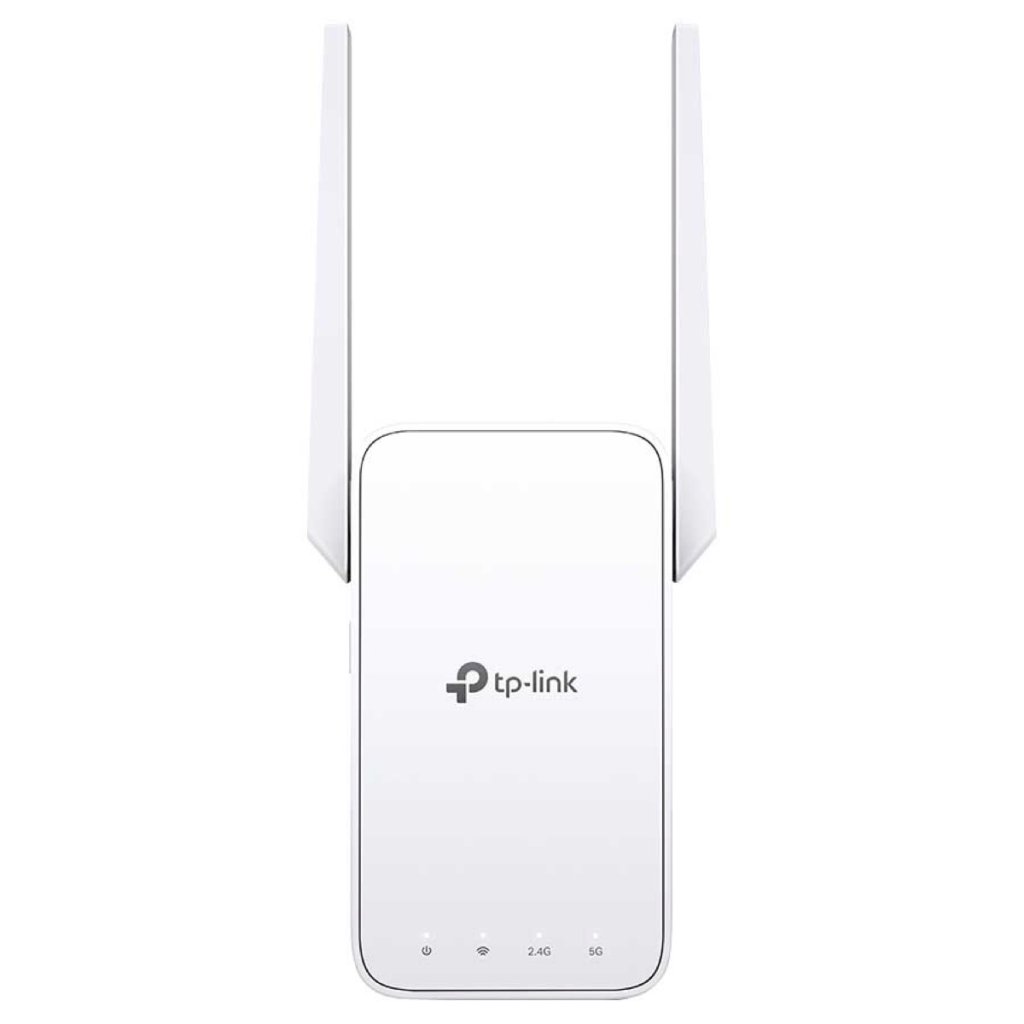
2.4 GHz (300 Mbps) and 5 GHz (867 Mbps) dual-band Wi-Fi connection ensures more stable wireless expe

Feature
Allow Backorder
$ 74.00
PurchaseDetails
Specifications
Networking Type
Wifi Range Extenders
Volume
Length
20.00cm
Width
15.00cm
Height
7.00cm
Weight
0.60kg
Description
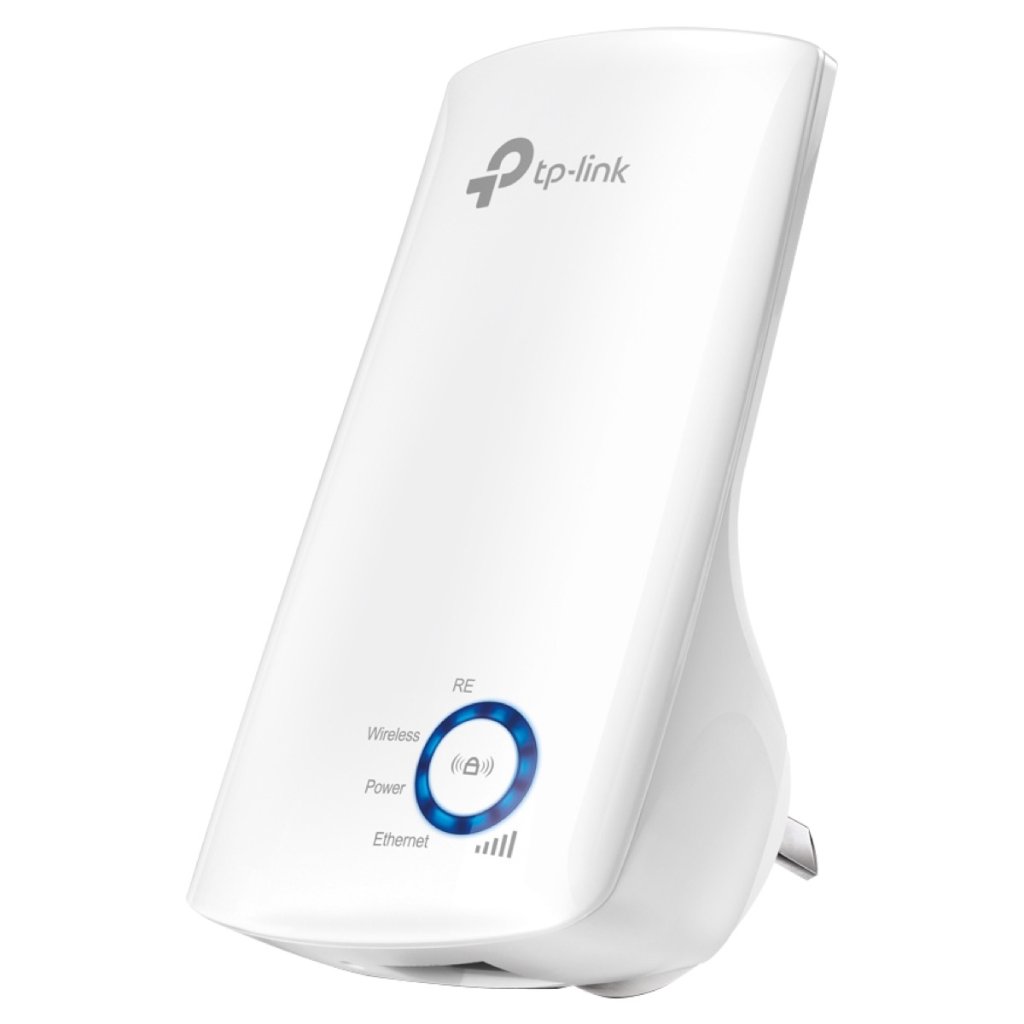
Connect dead zones with TP-Link RE315 Wi-Fi Range extender. It generates combined speeds of up to 1200Mbps for quick download times, and it operates over 2.4GHz and 5.0GHz bands for a more stable wireless experience. This TP-Link Wi-Fi range extender works with any Wi-Fi router for an exceptional connection versatility. FeaturesRE315 AC1200 Mesh Wi-Fi Range ExtenderExpand Dual Band Wi-Fi Everywhere
Why Get a Mesh Wi-Fi Extender?
Boost Whole Home Wi-Fi with Your Existing RouterA single router has limited Wi-Fi coverage and always causes Wi-Fi dead zones. RE315 wirelessly connects to your existing router and expands its Wi-Fi signal into areas it can’t reach on its own. Enjoy your stable network experience wherever you are at home. Flexibly Create Whole Home Mesh Wi-FiIf you have any dead zones at home, just add another Easy Mesh-compatible router to further form your whole home mesh Wi-Fi. No more searching for a stable connection.
Faster Dual Band Wi-Fi Up to 1200 MbpsRE315 delivers dual band (2.4 GHz and 5 GHz) to transmit Wi-Fi signals, doubling the performance of each band. It enables you to keep more devices connected at the same time with its 300 Mbps 2.4 GHz and 867 Mbps 5 GHz dual bands. Use the 2.4 GHz band to send email and browse the web and the 5 GHz band for gaming and HD streaming. (Maximum wireless signal rates are the physical rates derived from IEEE Standard 802.11 specifications. Actual wireless data throughput and wireless coverage are not guaranteed and will vary as a result of 1) environmental factors, including building materials, physical objects, and obstacles, 2) network conditions, including local interference, volume and density of traffic, product location, network complexity, and network overhead, and 3) client limitations, including rated performance, location, connection quality, and client condition.)
Adaptive Path Selection: Keeps Itself Working at Top SpeedAdaptive Path Selection keeps your network running at optimal speeds by automatically choosing the fastest connection path to the router. Always keep your devices fast and stable—ideal for network environments crowded with many devices and applications.
Built-In Access Point ModeRE315 is more than a wireless range extender. Simply plug an Ethernet cable into its Ethernet port and easily turn your wired internet connection into a 2×2 MIMO dual band wireless access point.
Secure One-Touch Connection for Easy SetupStep 1 Simply press the WPS button on your router and, within 2 minutes, the WPS button on RE315 will connect to the network. Step 2 Once connected, place RE315 at the best location—without reconfiguration. Notes Please connect the extender to the router via the Tether app or Web UI if your router doesn’t support WPS.
Find the Best Location with the Smart Signal IndicatorThe smart signal indicator lets you see signal strength from the existing router at a glance. Easily to find the best place to position your range extender to extend your Wi-Fi.
Control at Your FingertipsSet up and manage your Wi-Fi through the TP-Link Tether app from your smartphone (Android, iOS), including TP-Link routers and range extenders. |


Set a description to the product for
better visibility.